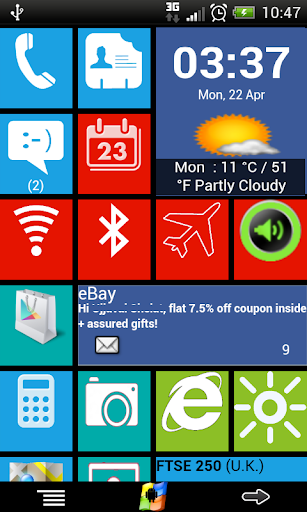
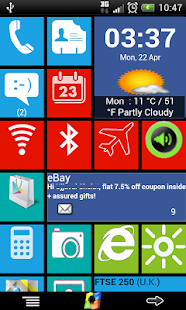
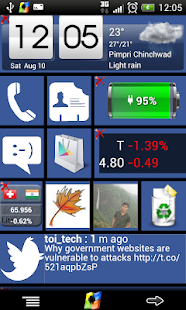
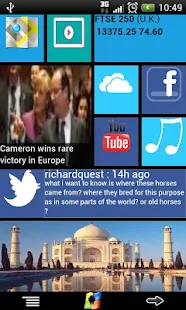
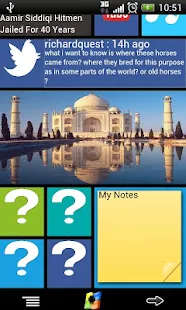
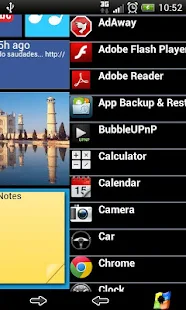
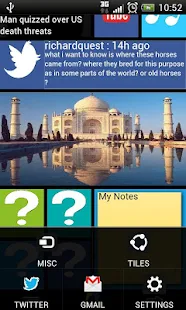
Windows8+ is Home launcher application which tries to provide Windows8 mobile like experience on your android device.

Size: 7.6 MB
Android Requires : 3.0+
More Info on Google Play:
https://play.google.com/store/apps/details?id=com.jss.android.plus.windows8p
Tutorials: HOW TO Install APK Files on Android Device?
Whats New
New in V2.2 :
-Fixes for Android Kitkat
-Clock and Weather click/tap defect fix
New in V2.2 :
-Fixes for Android Kitkat
-Clock and Weather click/tap defect fix
Key features:
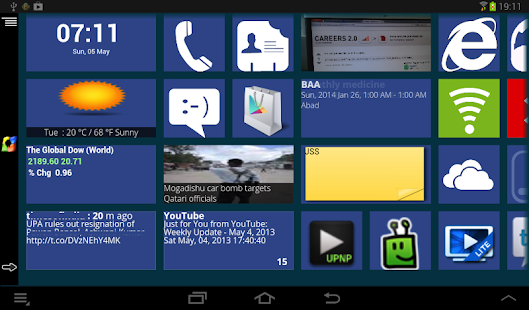
1)Live tiles for gmail, news, weather, twitter, calendar , etc with many configuration options
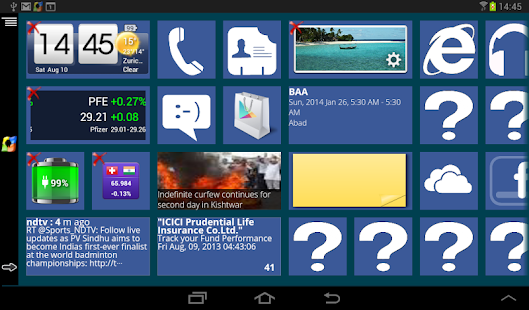
2)Drag and drop tile groups to re-order/change the position of tiles.
3)Change icon/tile icon size using Menu >> Icon Size
4)Select the preferred country for news using Menu >> Prefs >> News Country and for stock market using Menu >> Prefs >> Stock Market
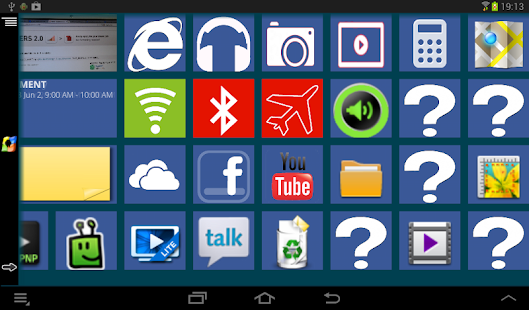
5)Power Control widget to on/off Wifi, Airplan mode, Bluetooth, ring mode, screen brightness, etc.
6)Click on icon/tile will bring up (launch) the associated app, (This application will try to associate most common applications like dialer, messsage, google play, etc) if you are clicking first time and no application is associated then list of all installed apps will be opened and you can associate any app of your wish to this tile.
7) Long Click on icon/tile to change the color, icon, application associated to tile. Following 3 options are available
* Associate App - Change the launching app while keeping the same icon on home screen.
* Change Color - Change background color of tile.
* Change App - Change the launching app and icon will be replaced with app default icon on home screen.
 Additional icons/tiles style which can be customized as per your need. Add/remove tiles from Menu >> Tiles
9)Weather Service : Based on your current location, local weather details are available.
10)Stock Market updates : Select your preferred Stock Market using Menu >> Misc >> Stock Market





1)Live tiles for gmail, news, weather, twitter, calendar , etc with many configuration options
2)Drag and drop tile groups to re-order/change the position of tiles.
3)Change icon/tile icon size using Menu >> Icon Size
4)Select the preferred country for news using Menu >> Prefs >> News Country and for stock market using Menu >> Prefs >> Stock Market
5)Power Control widget to on/off Wifi, Airplan mode, Bluetooth, ring mode, screen brightness, etc.
6)Click on icon/tile will bring up (launch) the associated app, (This application will try to associate most common applications like dialer, messsage, google play, etc) if you are clicking first time and no application is associated then list of all installed apps will be opened and you can associate any app of your wish to this tile.
7) Long Click on icon/tile to change the color, icon, application associated to tile. Following 3 options are available
* Associate App - Change the launching app while keeping the same icon on home screen.
* Change Color - Change background color of tile.
* Change App - Change the launching app and icon will be replaced with app default icon on home screen.
Additional icons/tiles style which can be customized as per your need. Add/remove tiles from Menu >> Tiles9)Weather Service : Based on your current location, local weather details are available.
10)Stock Market updates : Select your preferred Stock Market using Menu >> Misc >> Stock Market